Whether you are tracking daily standup items, maintaining a technical activity journal, or updating project logs, condensing long email threads, chat logs, or meeting transcripts into clean, readable log entries can be a tedious chore.
That is why I created Log Creator—a specialized Custom GPT designed to distill raw, multi-page communication into concise, single-paragraph work log entries complete with ISO date headers and preserved project links.
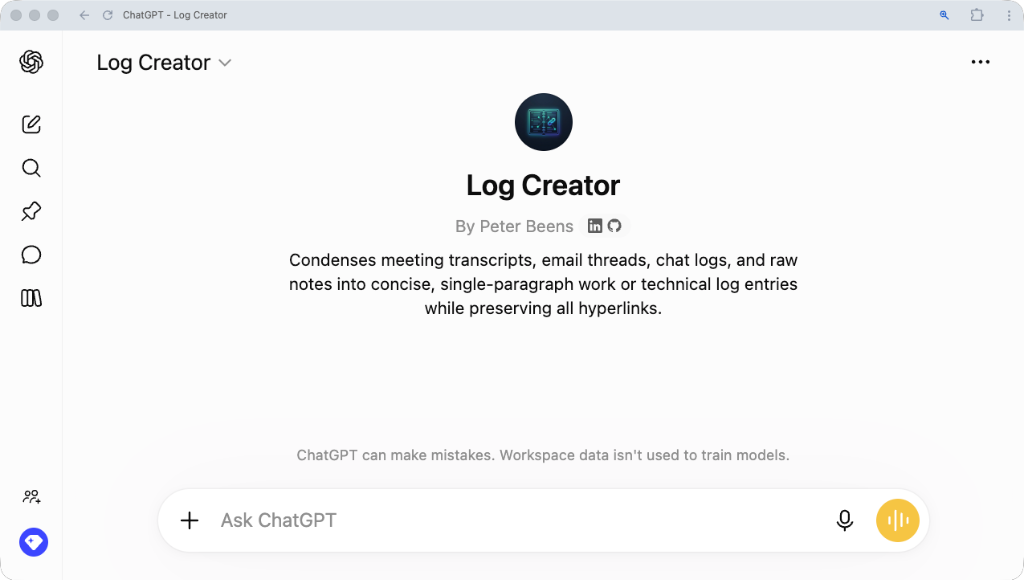
Direct Link
Try the GPT directly:
👉 Open Log Creator on ChatGPT
Why Use Log Creator?
- Standardized Chronological Headers: Every log entry automatically starts with a Level 2 Markdown header featuring today's date in ISO format (
## YYYY-MM-DD - Short Title), making it effortless to paste directly into your Obsidian journal, GitHub release notes, or work log notebook. - Smart Hyperlink Filtering: Retains all essential project links—such as PRs, documentation pages, code repositories, and live demo sites—while intelligently stripping out administrative noise like Google Calendar RSVP buttons, meeting join footers, and notification disclaimers.
- Concise & Professional: Strips away conversational filler, greeting pleasantries, and tangential email clutter to deliver a tight 3–6 sentence summary written in active, professional past tense.
- Zero Configuration Needed: Simply paste your text and copy the output directly into your logger or JIRA ticket.
How to Use It
- Open the GPT: Head to Log Creator.
- Paste Your Raw Content: Paste in an email thread, raw meeting transcript, chat log, or bulleted progress notes.
- Get Your Log Entry: Log Creator formats a ready-to-use entry instantly.
Example Output
## 2026-08-11 - Platform Demo & Feasibility Tool Review

Reviewed the updated site platform with Carina and confirmed rescheduling our project review session to Thursday. Delivered a new interactive demo showcasing cleaner tab-based navigation for Multi-Family and Townhouse scenario calculations, real-time site massing diagrams, customizable preset saving, and a plain-English zoning glossary. Confirmed 100% calculation parity with legacy software via the automated test suite and shared the update via [Project Portal](https://example.com/demo).
Try It Now
Simplify your daily documentation workflow today with Log Creator!